

 Android
  iOS
iOSThe Smarter EMM Solution for Modern Enterprise
MySecureME EMM gives IT teams a single command center to Enroll, secure & manage every Android & iOS device in your fleet from one powerful console.
No hardware. No complexity. Just control.
Enterprise Mobility Management
One Platform. Full Device Control.
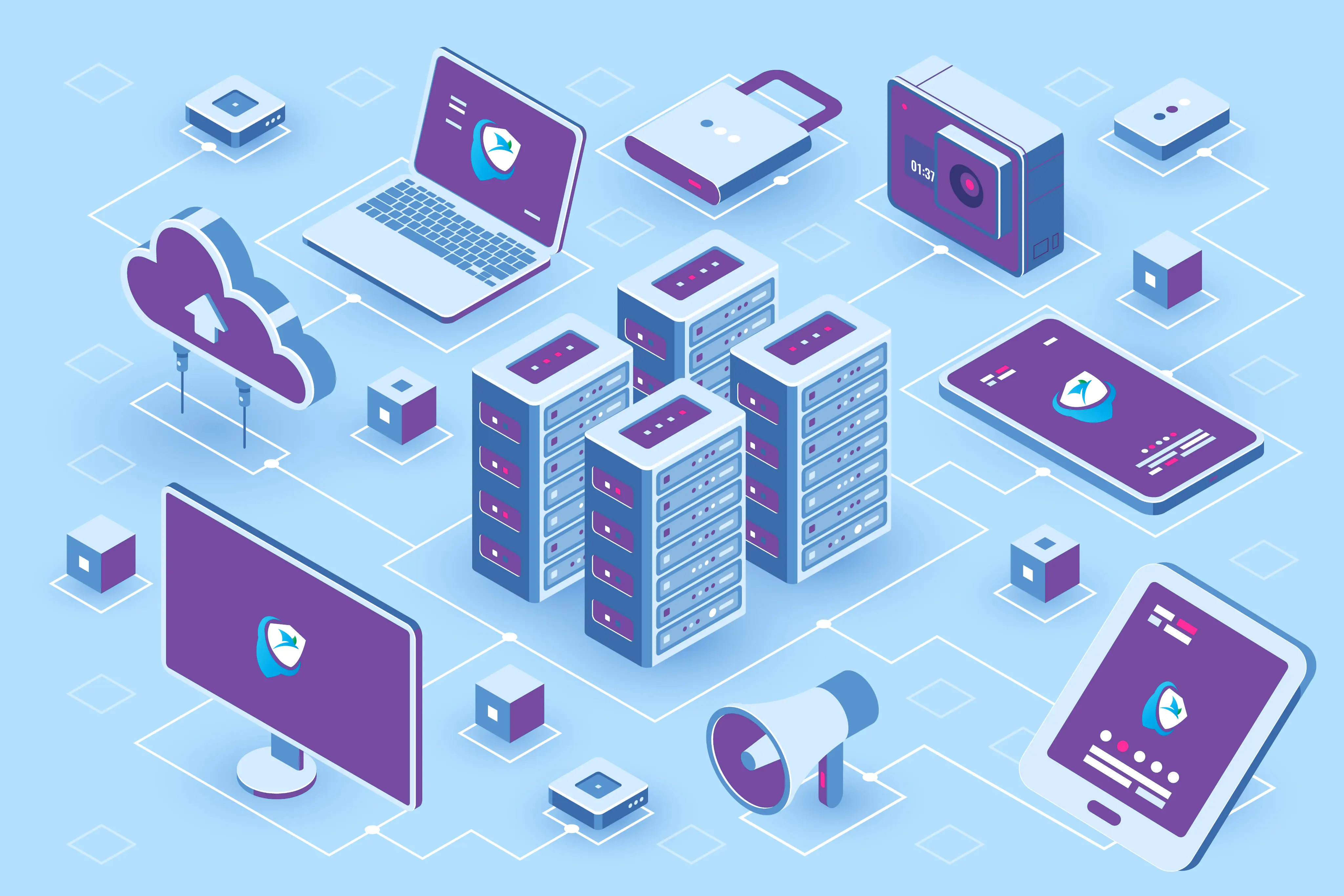
MySecureME EMM is a cloud-based Enterprise Mobility Management platform designed to give IT teams complete control over their Android & iOS device fleet. Whether you are managing 50 devices or 5,000, the platform lets you enroll devices instantly via QR code, enforce security policies remotely, manage apps and web access & monitor your entire fleet in real time – all from a single web console. Just a smarter, faster way to keep every device in your organization secure, compliant & under control.
Multiple Platform Support
One console to manage your entire mobile fleet – regardless of platform, ownership model, or deployment type.
Android iOSAndroid Management
Full control over every Android device in your fleet. Leverage Android Enterprise and Google Management API to enroll devices via QR code, enforce policies, manage apps from the Play Store, restrict settings, configure Wi-Fi & take remote action instantly. Supports both COBO and BYOD deployment models.
iOS Management
Complete visibility and control over every iPhone in your organization. Using Apple APNs, Apple Business Manager & Apple Configurator, lets you supervise devices. MysecureME EMM Platform lets you to Install enrollment profile, manage App Store applications, restrict device settings, Configure Wi-Fi & remove enrollment profile.
Core Features
A complete, mobile-first feature set – built specifically for Android and iOS fleets, with zero enterprise bloat or unnecessary complexity.
QR-Based Enrollment
Enroll any Android or iOS device in under 5 minutes using a simple QR code scan. Share via email, SMS, or download - no IT desk visit, no cables, no agents required.
Policy Engine
Create and push device policies across your entire fleet instantly. Control 25+ device settings including camera, Bluetooth, USB, screen capture & passcode enforcement
Web Filtering
Define a URL allowlist or blocklist and enforce safe browsing across your entire fleet. Applied at the device level - no browser extension or additional software needed.
Application Management
Block, unblock, remotely install, or remove any app without touching the device. Push apps directly from the Google Play Store and Apple App Store in seconds.
Geofencing
Draw virtual boundaries and automatically enforce policies when a device enters or exits an approved zone. Assign geofences to individual devices or entire groups instantly.
Remote Device Control
Lock a lost device, reset a forgotten password, or wipe a compromised unit - all from your browser. One click, immediate effect, no helpdesk ticket required.
Groups & User Management
Segment your fleet by team, role, or location and apply policies to entire groups simultaneously. Add, update & deactivate users from a single screen.
Real-Time Dashboard
Monitor every enrolled device at a glance. Track compliance rates, last-seen data & enrollment activity - all updated live in one screen.
Why MySecureME?
The real benefits of using MySecureME EMM.
Deploy Without Delays
Start managing devices almost immediately with a deployment process built for speed and simplicity.
Enterprise-Grade Security
Enforce passcode policies, block unauthorized apps, filter web traffic & wipe compromised devices remotely - keeping your data protected.
Manage From Anywhere
Cloud-hosted on AWS, the console works from any browser, on any network, at any time. Your fleet is always under control - wherever your team is.
Future-Ready Scalability
Designed to handle expansion with ease, ensuring consistent performance as your organization grows.
How it Works?
From zero to fully managed fleet in 4 simple steps.
Enroll - Admin Logs In & Configures.
Sign in to the MySecureME web console, create your organization & generate a unique QR code. Employees scan the code on their device - enrollment is complete in under 5 minutes, no IT desk visit needed.
Secure - Policies Applied Instantly.
Once enrolled, security policies are applied to the device instantly. Set passcode requirements, restrict camera and Bluetooth access, block unauthorized apps & enforce web filtering - all from one screen.
Manage - Control Remotely, Anytime.
Push app installs, update policies, configure Wi-Fi, assign geofences & take remote action on any device or group - all from your browser, from anywhere in the world, at any time.
Monitor - Full Fleet Visibility, Live.
Track every device in real time from the live dashboard. View compliance rates, last-seen data, device health, enrollment activity & security alerts - all in one place, always up to date.
Use Cases
Built for every team that runs on mobile.
Enterprise IT
Secure Your Corporate Fleet at Scale
- Enroll hundreds of devices in hours using QR code - no IT desk visits
- Enforce app policies and block unauthorized software across the entire fleet
- Remotely lock, wipe, or reset any device in seconds from your browser
- Monitor compliance rates and device health in real time from one dashboard
Education
Keep Students Focused and Devices Secure
- Lock devices to approved educational apps only using COBO mode
- Filter all web traffic and block inappropriate content automatically
- Restrict camera, social media, & on-educational app access
- Enroll an entire classroom in one session with a single QR code
Managed Service Providers
Manage All Your Clients from One Console
- Onboard new clients in minutes with separate policies per account
- Manage Android and iOS fleets across all clients from one login
- No per-technician fees - add unlimited admin accounts at no extra cost
- Real-time compliance dashboards and reports per client account
Field Operations
Control Every Device in the Field from HQ
- Geofencing automatically restricts device use outside approved zones
- Auto Wi-Fi configuration connects devices on site instantly
- Remote lock or wipe any device the moment a team member leaves
- Track device location, last-seen data & compliance status live
FAQ's
- MySecureME fully supports Android and iOS.
- Android management uses Google Management API and Android Enterprise.
- iOS uses Apple APNs, Apple Business Manager & Apple Configurator.
- Admin generates a unique QR code from the console and shares it via email, or download.
- The employee or student scans the code on their device enrollment completes in under 5 minutes and policies are applied automatically.
- Yes. MySecureME supports both COBO and BYOD from the same console.
- For BYOD devices, only the corporate work profile is managed personal data and apps remain completely untouched.
- Yes. MySecureME is cloud-hosted on AWS.
- All device management capabilities work over any internet connection from anywhere in the world, at any time.
Ready to Take Control of Your Mobile Fleet?
Stop managing devices one by one. MySecureME EMM gives your IT team a single console to
enroll, secure & monitor every Android & iOS device
in your organization – Start today.